YouTube Morphe APK is a customized YT MOD app and patcher that blocks video ads, enables background audio, skips sponsored segments, and customizes app themes.

Youtube Morphe v21.31.523 APK Download (Latest) 2026
| Name | YouTube Morphe |
|---|---|
| Publisher | Morphe Software |
| Genre | Video Players & Editors |
| Size | 210M |
| Version | 21.31.523 |
| MOD Info | Ads Removed |
| Get it On |

|
MOD Info
Morphe MOD Info:
- Ad Blocking
- SponsorBlock
- Return Dislikes
- Player Enhancements
- UI Customization
- Swipe Controls
- Theme Customization
- Privacy Improvements
- Patches updated for latest YouTube base builds.
- Fixed video buffer playback issues and optimized gesture controls.
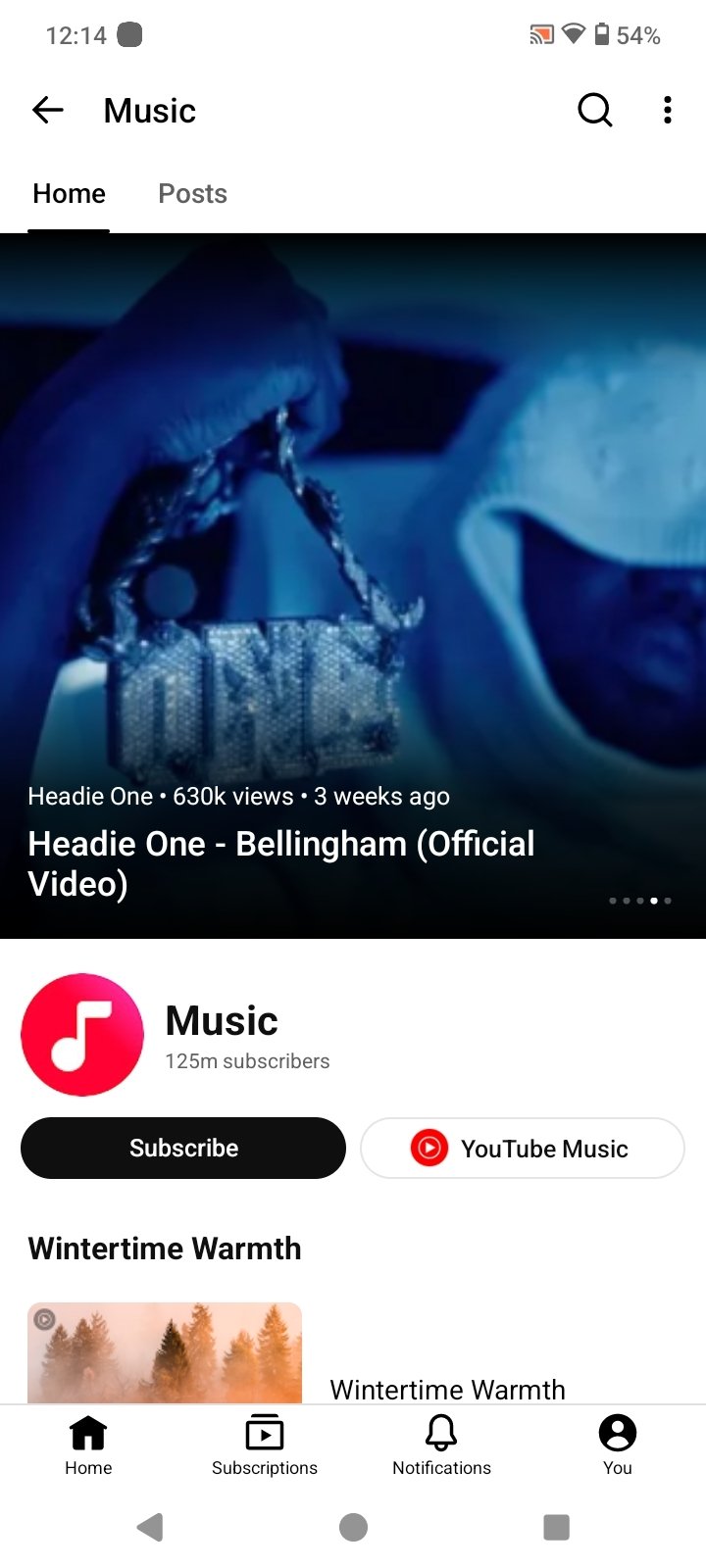
Watching videos or trying to stream music on YouTube without constant ad breaks has gotten pretty annoying lately. Between unskippable ads before a clip starts, random promotional pop-ups in the middle, and not being able to lock your phone screen while listening to audio, the stock app feels almost unusable unless you pay for Premium.
YouTube Morphe solves these headaches by offering an open-source patching tool that cleans out advertisements and unlocks features YouTube hides behind paywalls. Instead of using a sketchy third-party web wrapper, Morphe modifies the actual YouTube app directly. That means you get background play, gesture controls, sponsor skipping, and custom dark themes without giving up the native app layout.
How Morphe APK Modifies the YT App
Built as an evolution of older community projects like RVX, Morphe works more like a customization engine than a stand-alone app. Rather than rebuilding everything from the ground up, it takes a clean, official YouTube install file and applies a set of functional patches right on your phone. This keeps the core app running fast while stripping away the parts you don’t want.
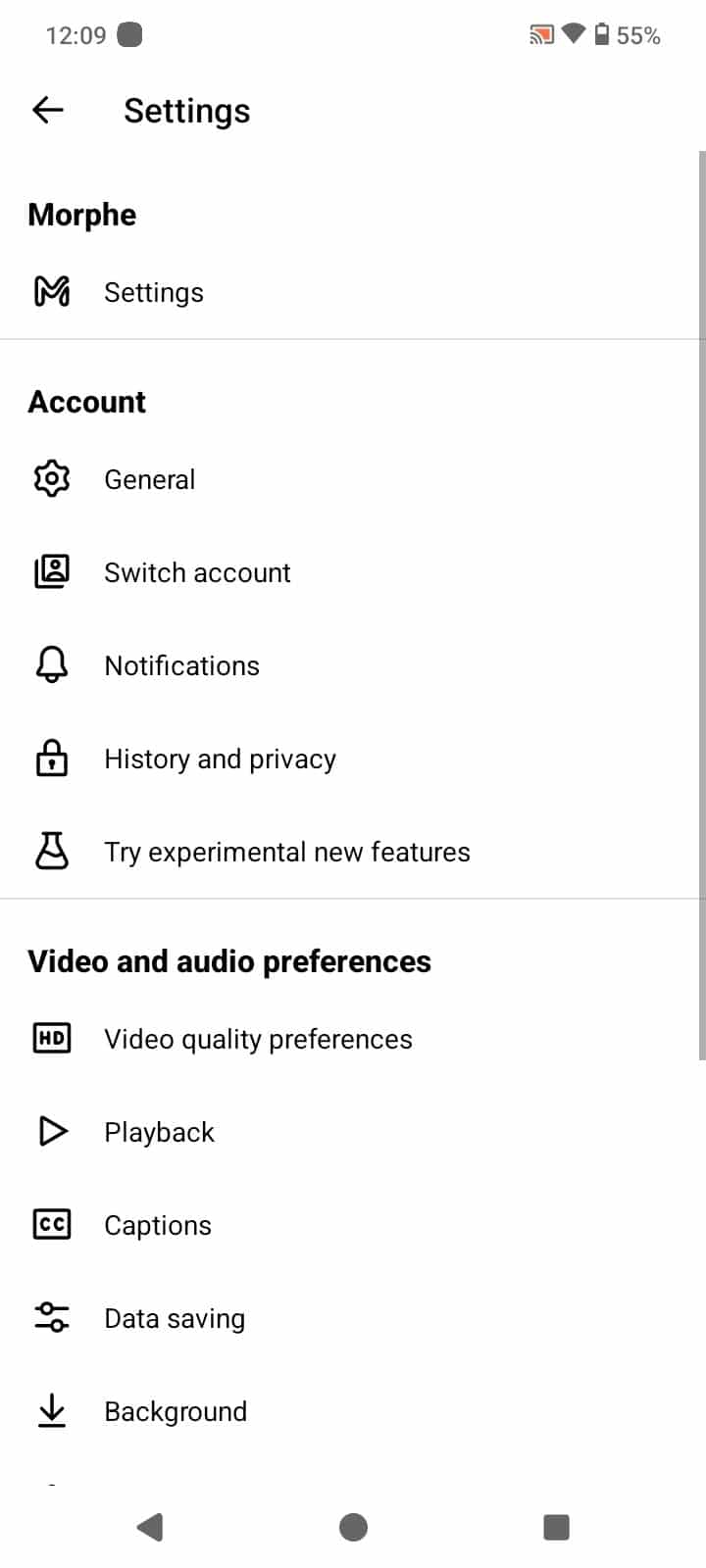
The neat part about this approach is how much control you get over the setup. If you just want to get rid of ads and leave everything else alone, you can do that. But if you prefer a distraction-free setup, you can turn on extra settings to hide Shorts feeds, remove shopping tabs, clean up navigation menus, or switch on a pitch-black OLED theme to save battery life on AMOLED displays.
Skipping Paid Promotions and Restoring Dislike Counts
Beyond blocking basic ads, Morphe hooks into community tools to fix annoying content issues. The biggest one is SponsorBlock, which uses crowdsourced time tags from other users to automatically skip paid promotions, self-channel plugs, and long intro animations. The video just jumps right past the sponsored section so you can keep watching uninterrupted.
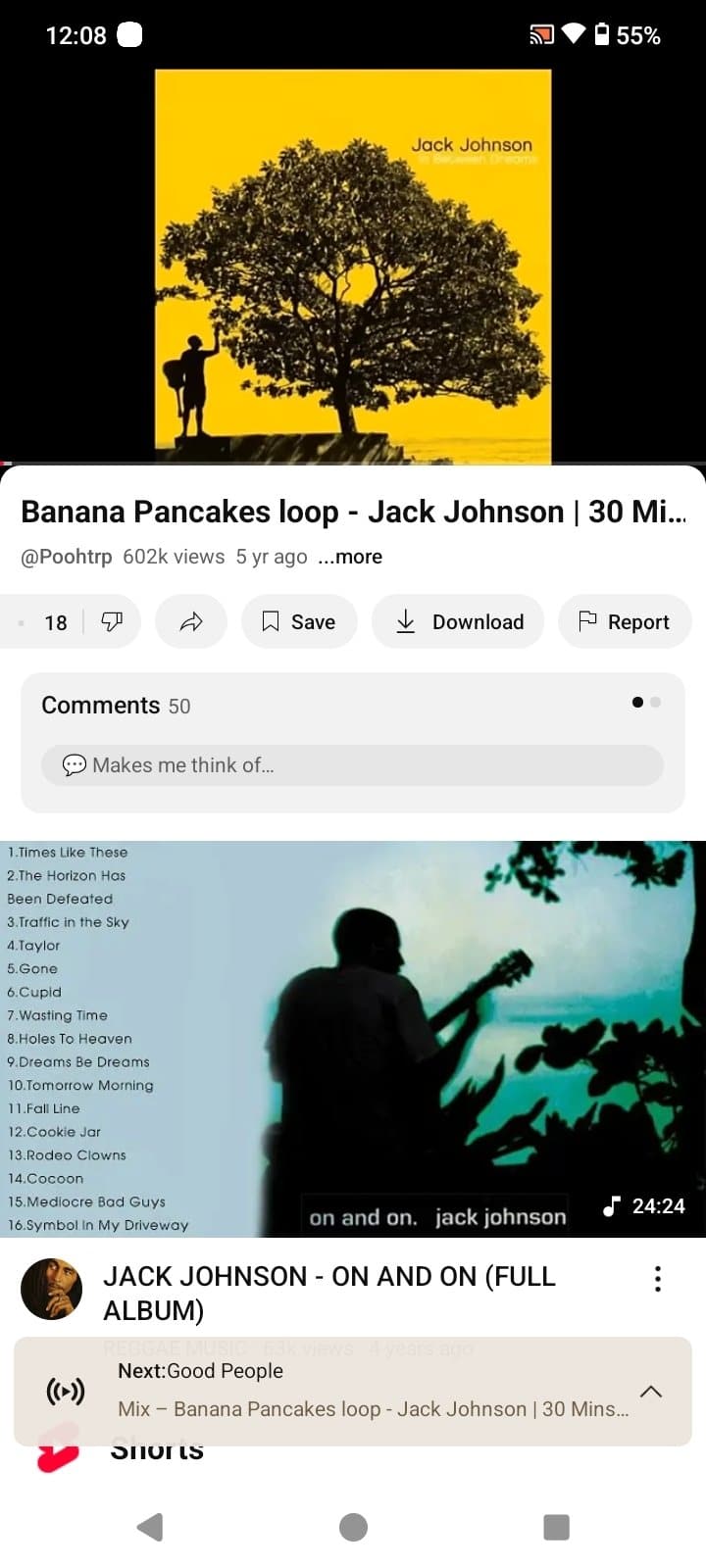
It also brings back visible dislike counts using the Return YouTube Dislike project. Seeing the dislike ratio under a video makes it way easier to spot clickbait titles or outdated tutorials before you waste time watching them. Plus, you get swipe controls built into the player screen, letting you adjust screen brightness on the left side and volume on the right with a quick drag.
Features of YouTube Morphe APK
The Main Advantage: Instead of static modded apps that break every time YouTube pushes an update, Morphe uses a modular patch system that blocks ads, enables background play, and cleans up the UI without requiring root access on your phone.
- Blocks home feed ads, search promotions, and mid-roll video interruptions completely.
- Background audio play stays active with the screen off or while using other apps.
- SponsorBlock skips sponsored intros, subscriber reminders, and filler moments automatically.
- Restores dislike counters so you can judge video quality beforehand.
- Swipe controls on the player screen for easy volume and brightness tweaks.
- Layout controls to hide YouTube Shorts, recommended shelves, and extra menu buttons.
- OLED dark mode and link sanitization to strip tracking parameters when sharing videos.
Why You Need GmsCore or MicroG
Because modded apps can’t talk directly to Google Play Services without official signatures, you need a small helper app called GmsCore or MicroG to log in. It basically acts as a safe, lightweight replacement for Google frameworks.
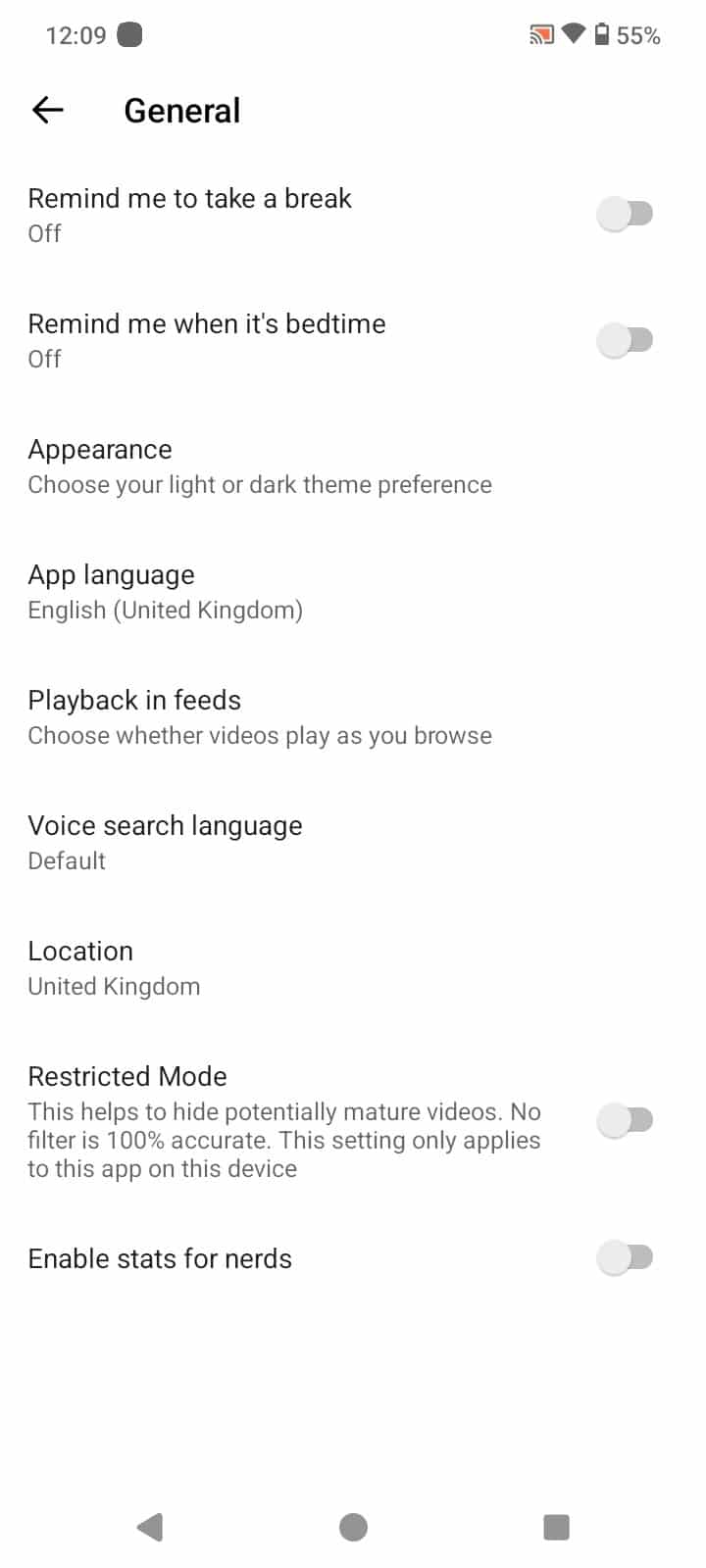
Installing MicroG alongside Morphe lets your Google account sync up properly. Your channel subscriptions, watch history, saved playlists, and recommendations load just like they do on the original app. You only have to set it up once during the install, and it runs quietly in the background.
How to Install Morphe APP on Android
Setting up the patched APK takes a couple of minutes:
- Download and install the MicroG/GmsCore APK on your device first so account login works.
- Save the YouTube Morphe APK file to your phone using the download button on this page.
- Head into your phone Settings, open Privacy or Security, and turn on permissions to install apps from your file manager or browser.
- Find the downloaded file in your Downloads folder, tap it, and confirm the installation.
- Open the app, sign into your Google account via the MicroG prompt, and pick your favorite playback settings.
Conclusion
If you’re tired of constant ad interruptions and want actual control over your viewing experience, YouTube Morphe is easily one of the best tools out there. Combining sponsor skipping, background audio, dislike counts, and layout fixes gives you a much cleaner way to watch content. Downloading the YouTube Morphe APK helps you skip the paywalls and customize YouTube exactly the way you want it.
Youtube Morphe v21.31.523 APK Download (Latest) 2026
Download (210M)You are now ready to download YouTube Morphe for free. Here are some notes:
- Please read our MOD Info and installation tips carefully to ensure the game and app work as intended
- Downloading via IDM, ADM, and similar software is currently disabled to prevent abuse
4.8/5 (145,038 votes)
Leave a Comment